Replay coming soon
Add a replay title, description, and URL in admin settings when the first recording is ready.
Watch live programming from Flex Desk 360, catch recent replays, and browse event albums from workshops, trainings, and business gatherings.
When an event is live, the stream will play here. If nothing is live, check the upcoming events calendar or watch a recent replay below.
During scheduled live events, the video player will appear here automatically after staff adds the stream link in admin settings.
Use this area for recordings from workshops, trainings, member spotlights, and live community events.
Add a replay title, description, and URL in admin settings when the first recording is ready.
Past workshop recordings can live here after they are uploaded to YouTube, Vimeo, Facebook, or another host.
Use this third slot for member events, panels, training clips, or featured business sessions.
Add recordings from admin after webinars, trainings, panels, workshops, or community events. Uploaded MP4 and WebM files play directly on this page.
Upload an MP4/WebM in Admin Settings > Media, copy its URL, then paste it into the Event Media video slot.
Use this section for evergreen webinars, workshops, and member education videos.
More video slots can be populated from admin settings as new content is uploaded.
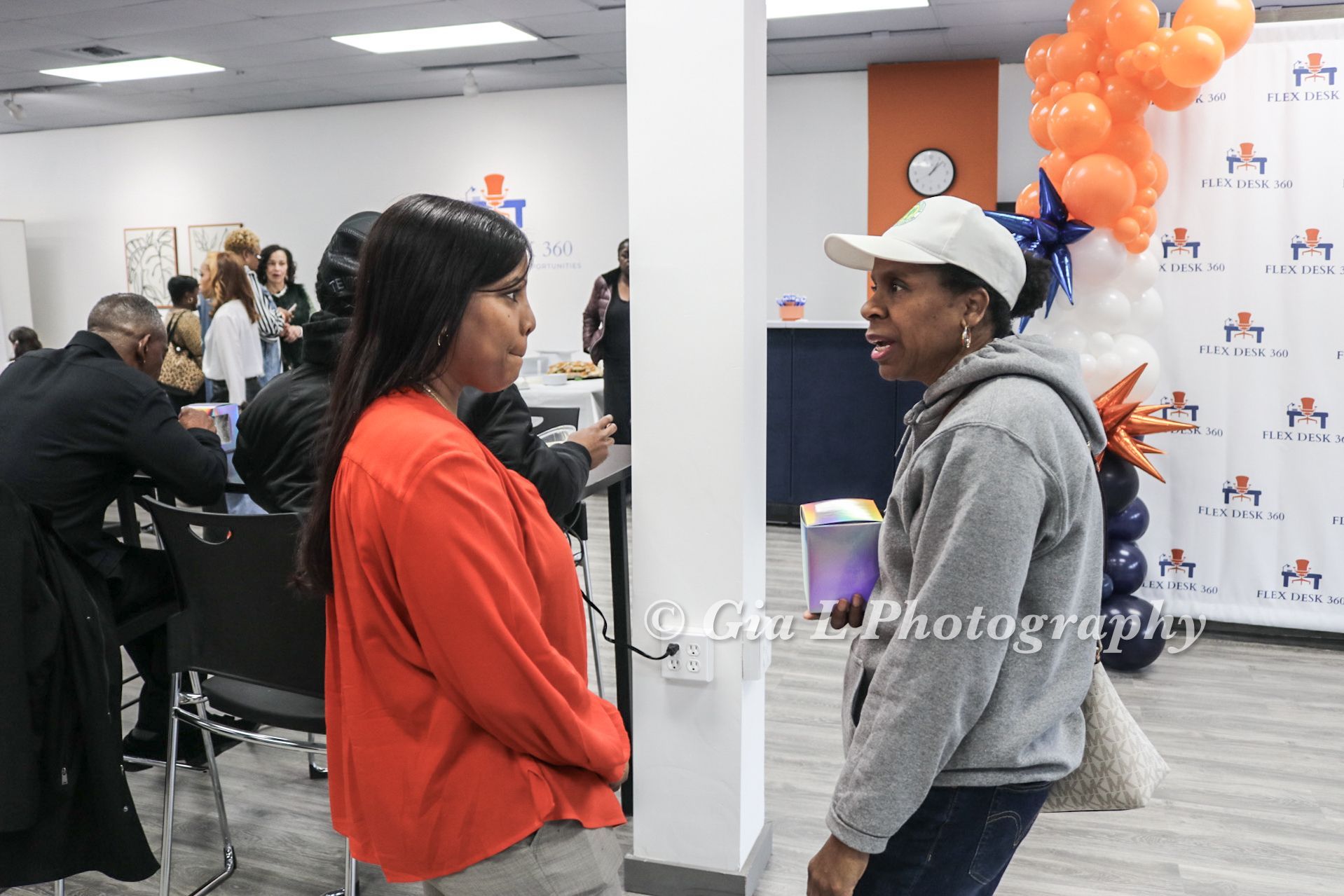
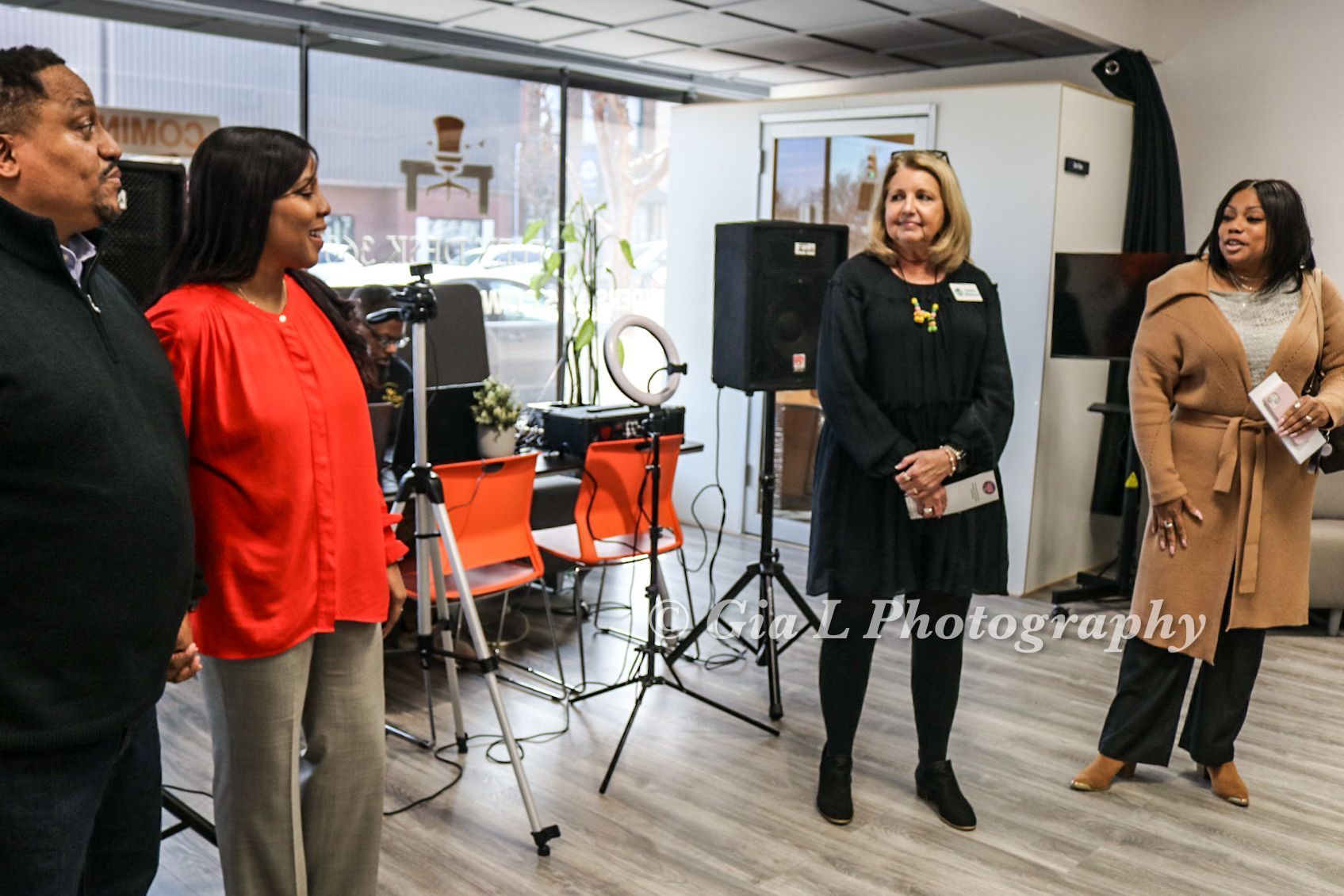
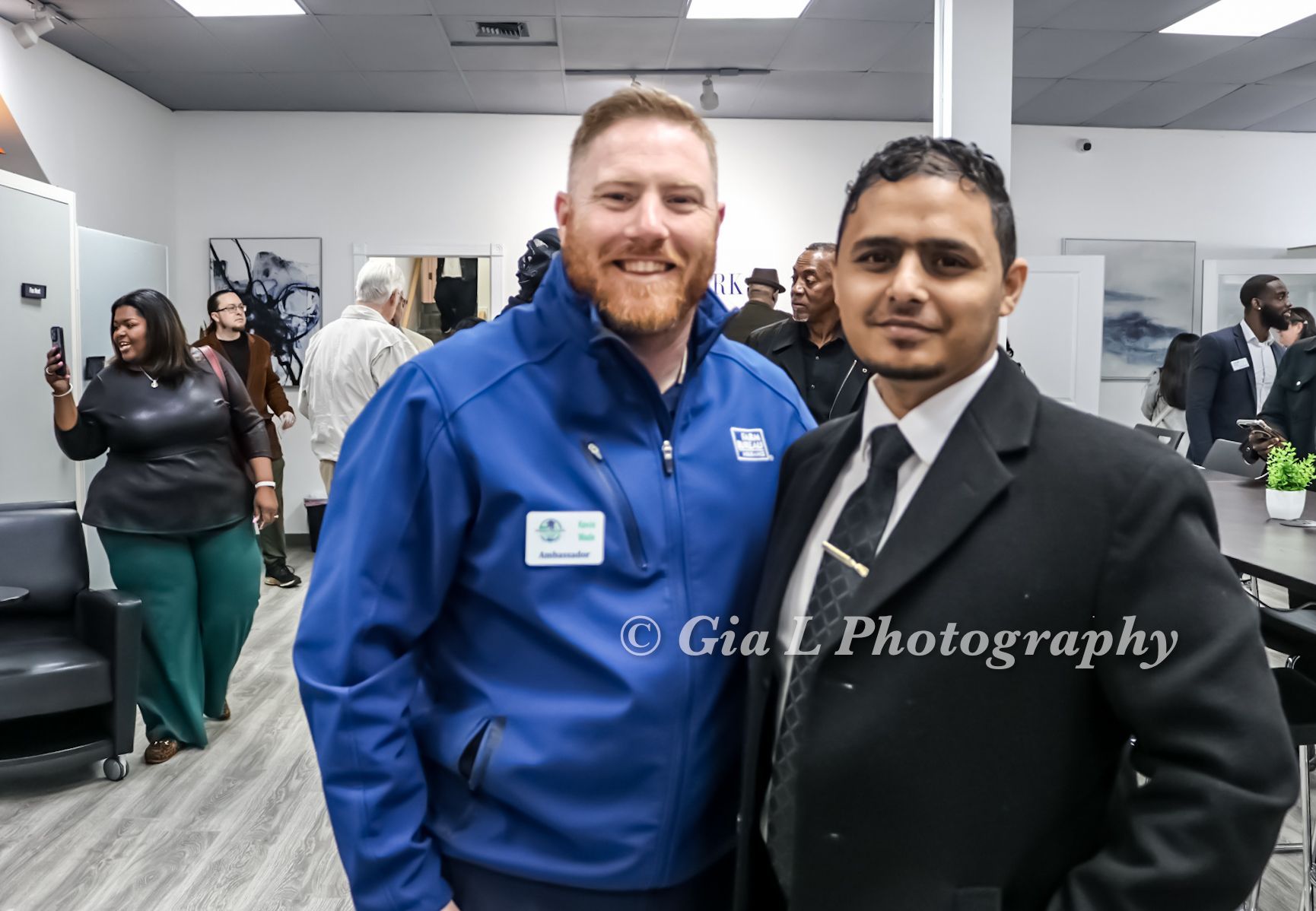
Gallery albums are grouped by event, workshop, training, or community gathering so visitors can see the space in action.
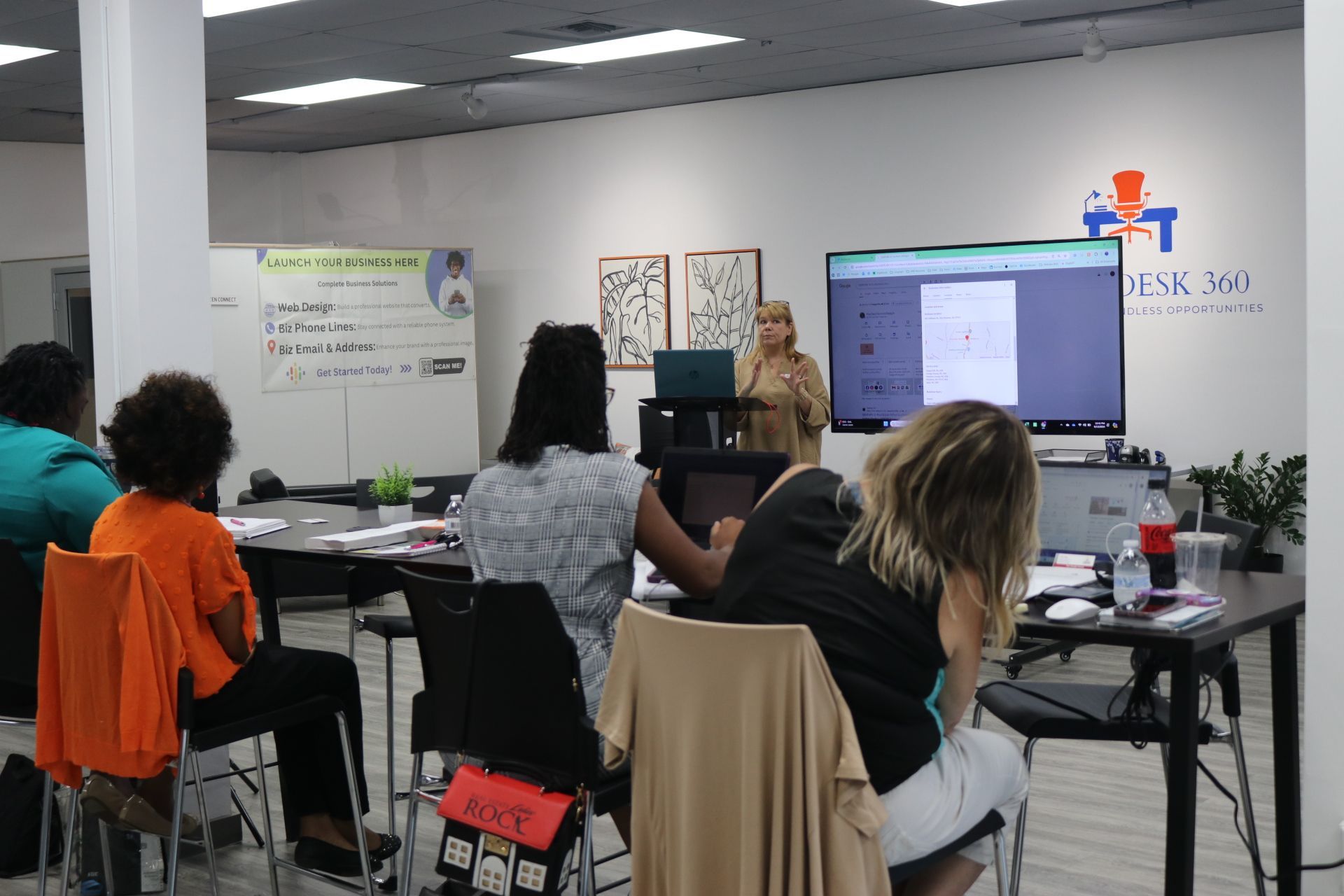
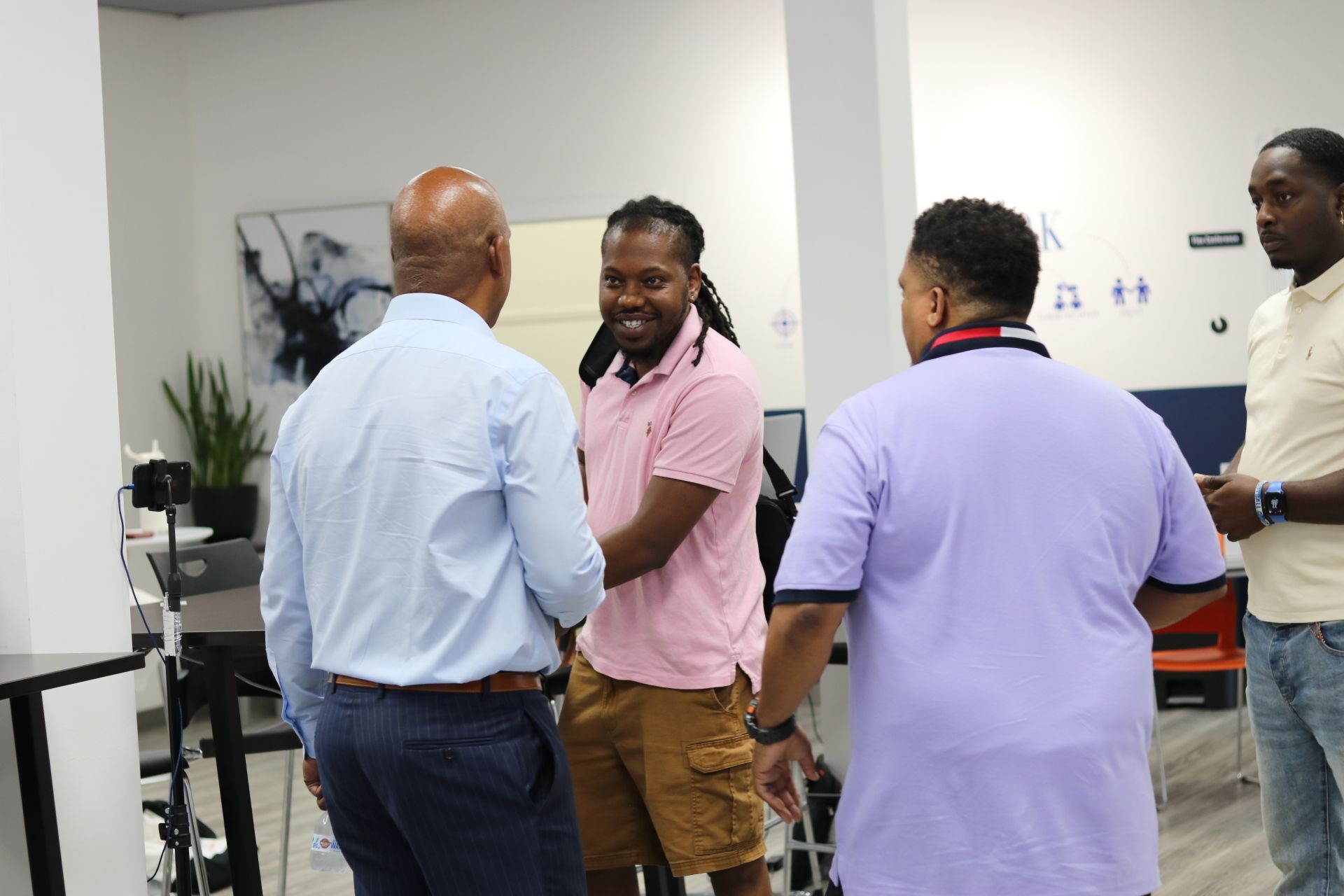
Business owners and community members gathered at Flex Desk 360 for a hands-on visibility workshop.
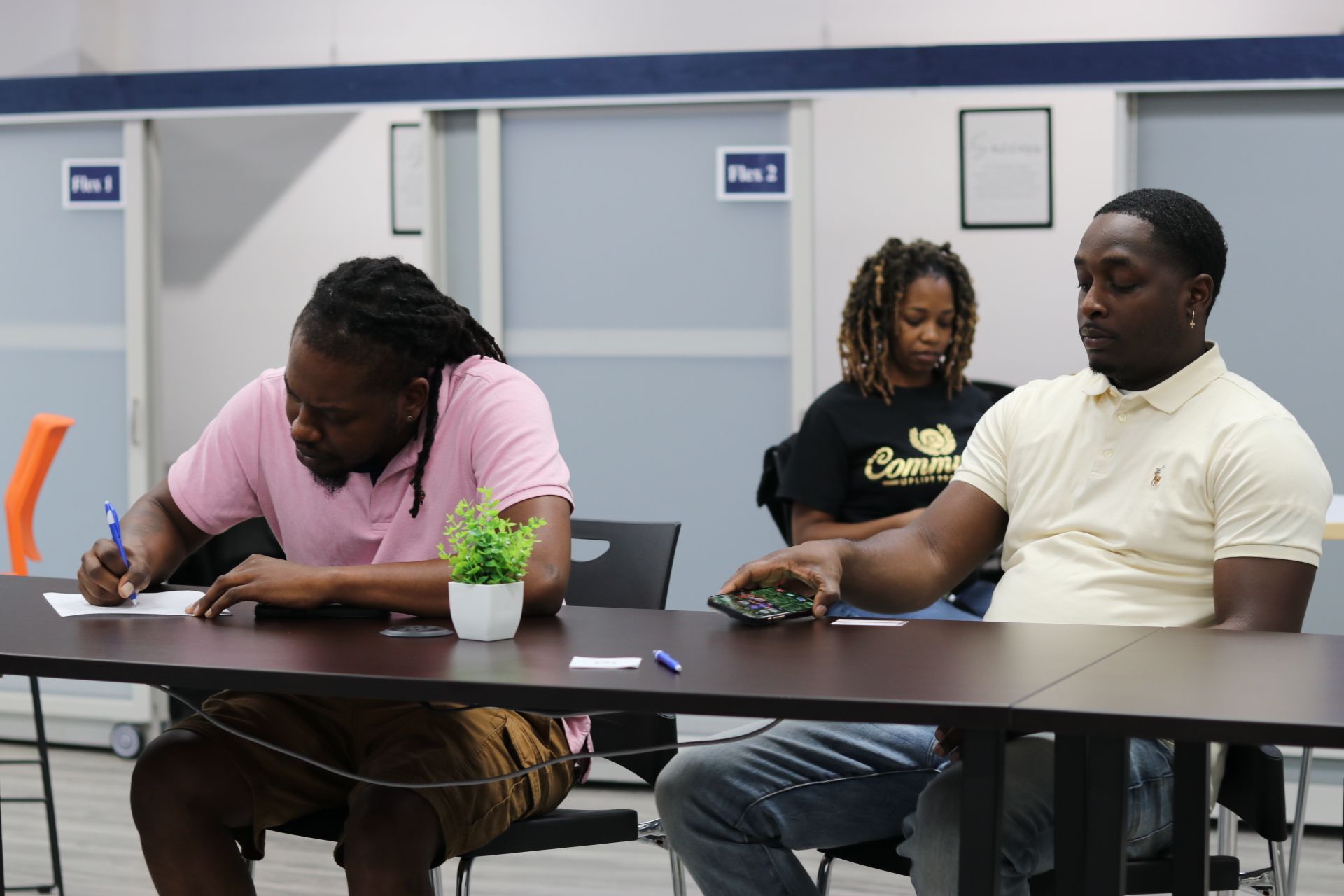
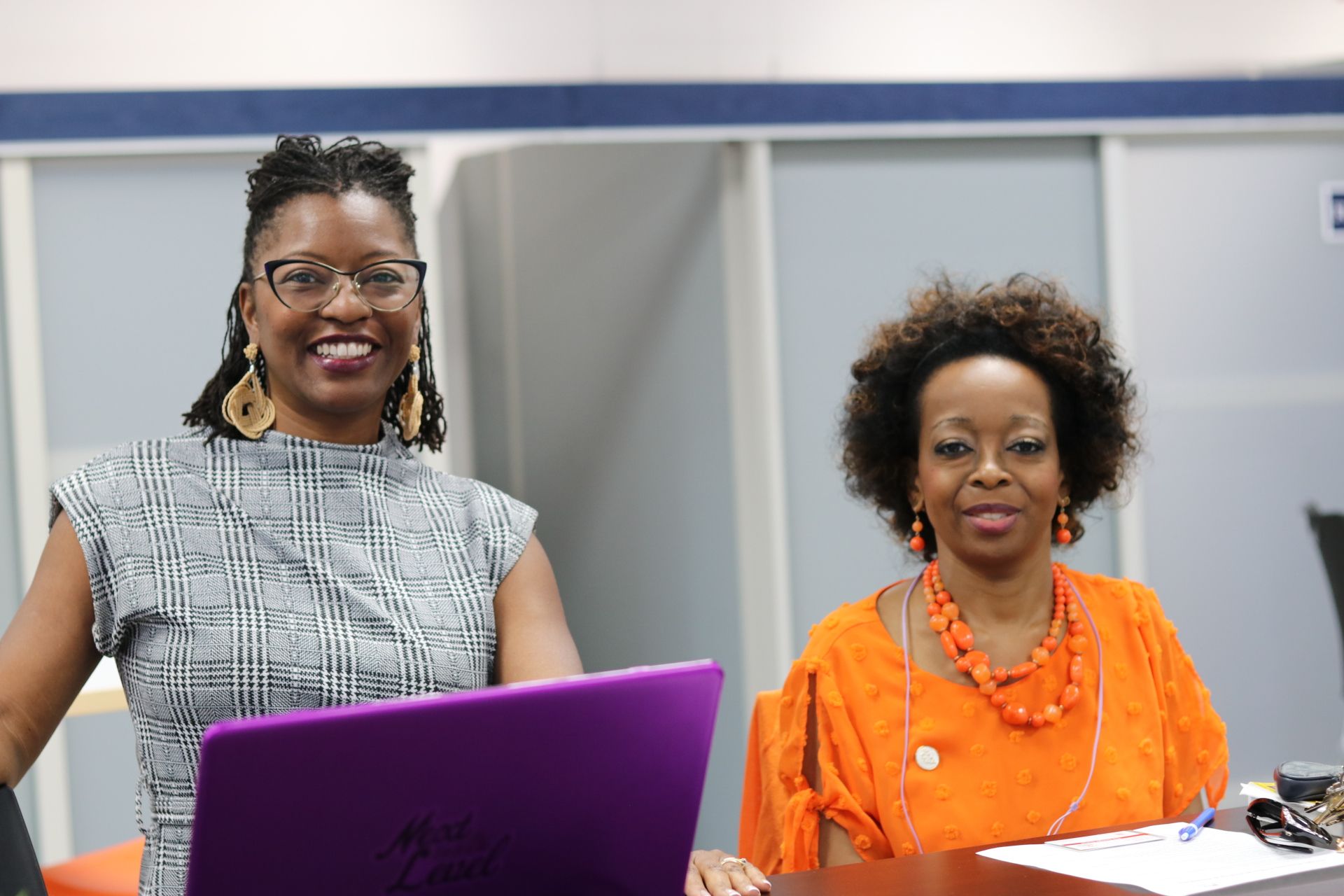
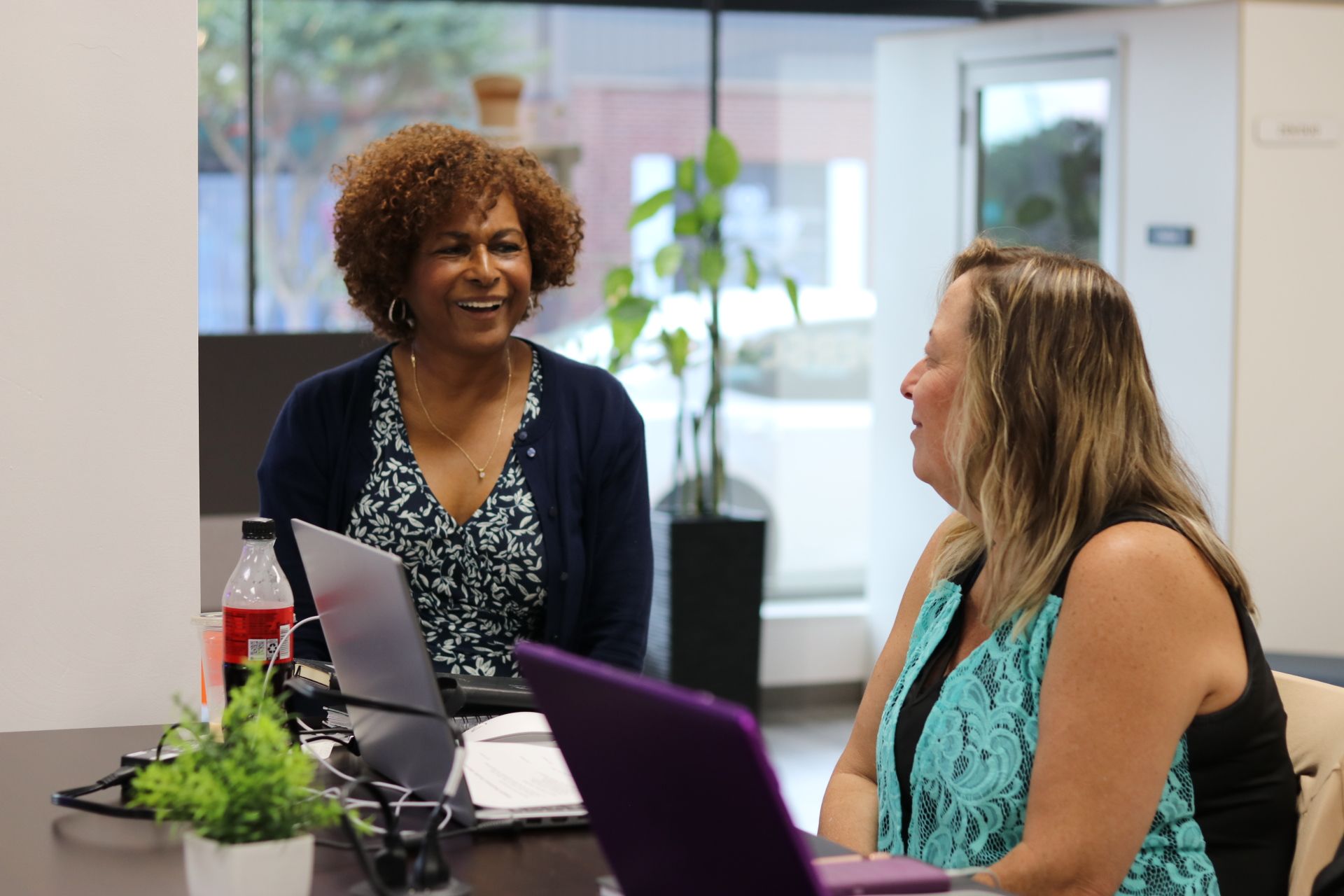
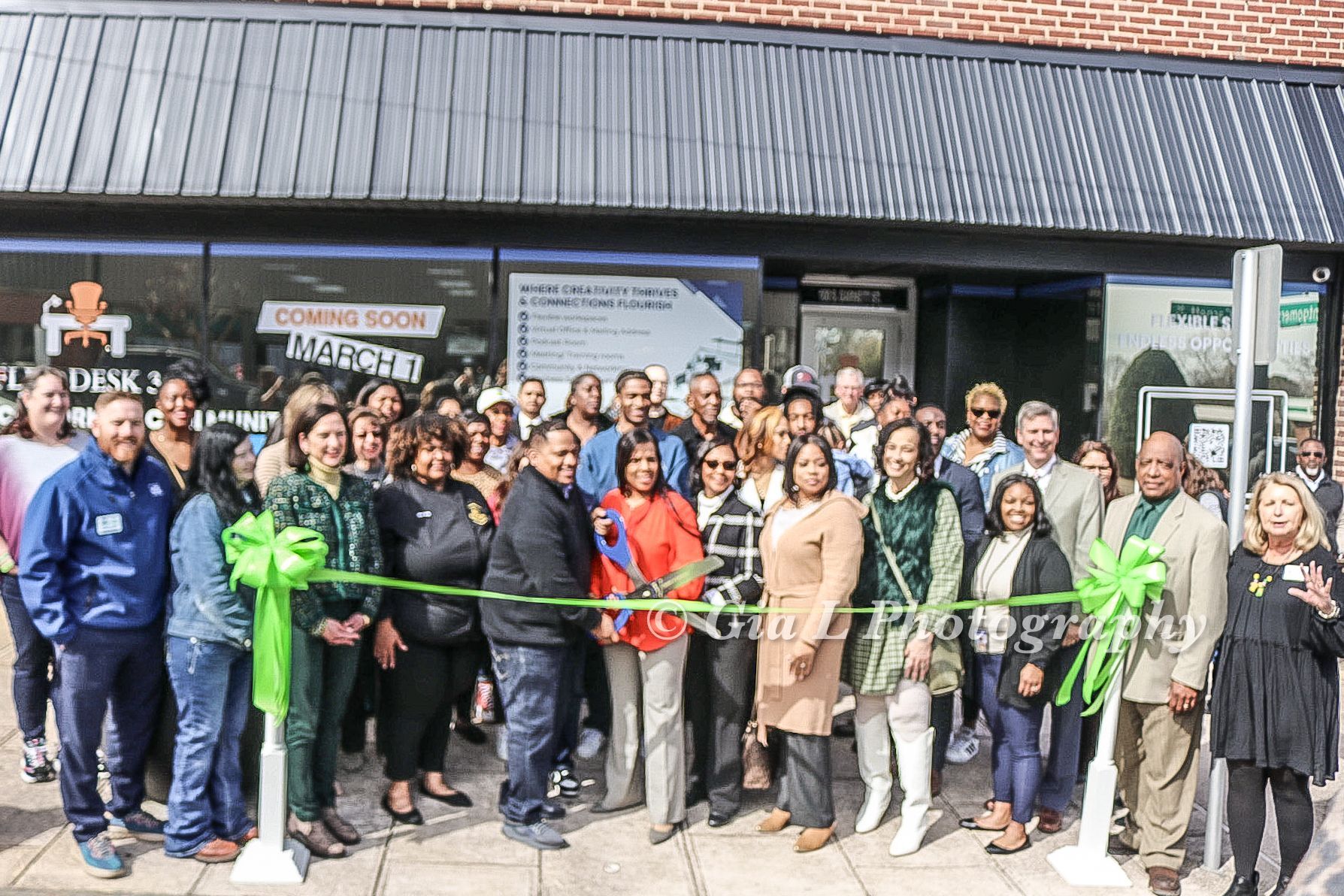
Photos from the February 29, 2024 ribbon cutting and community celebration.